
Offset press — detailed setup guide
Setting up an offset press means declaring more costs than a digital machine — plates, inks, chemicals, setup times — but the wizard breaks it into 12 small steps, and the payoff is worth it: offset quotes in seconds instead of phone calls and back-of-envelope math.
Start from Machines → New Machine → Offset.
Step 2 — Model & AI Scan
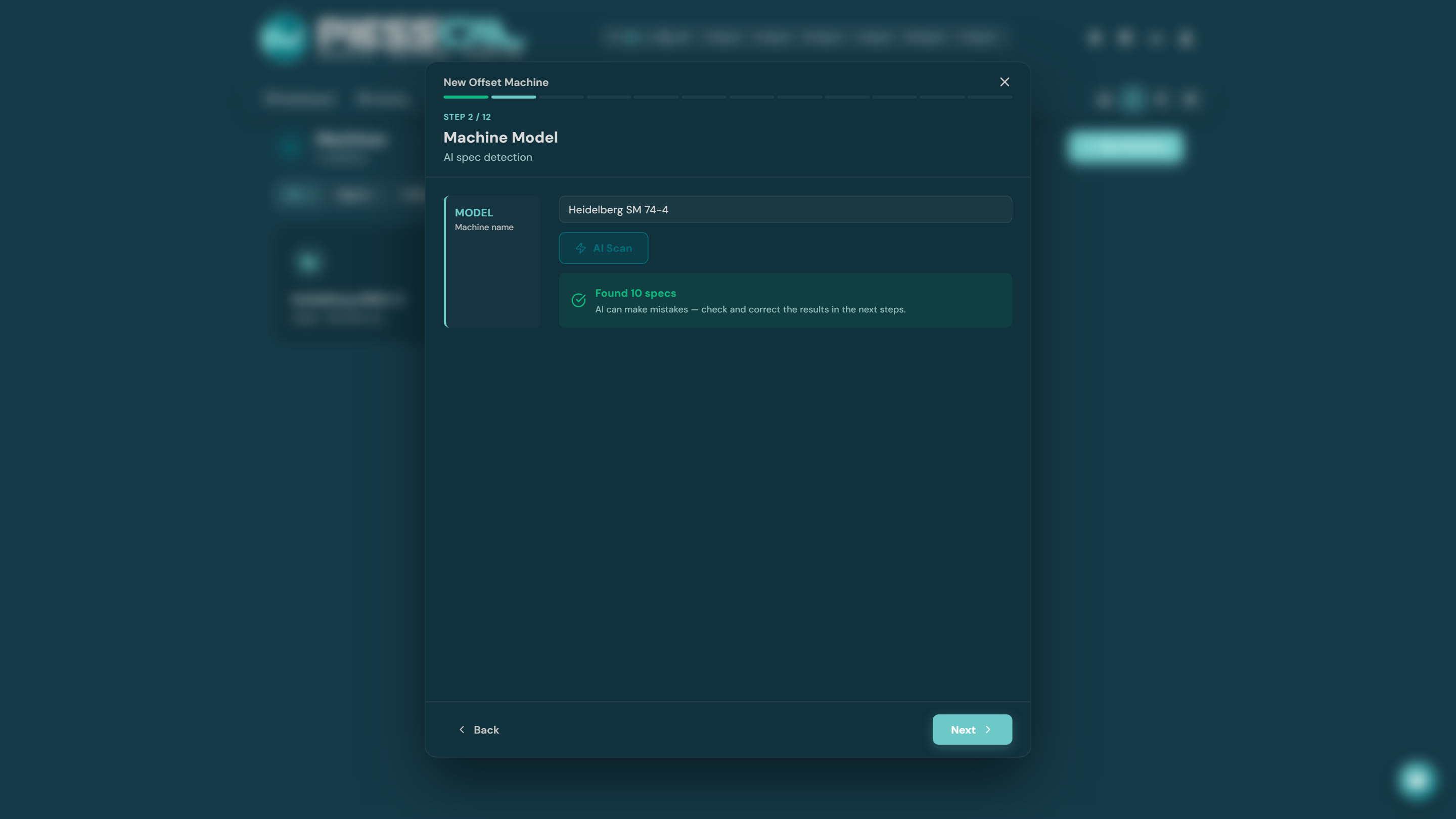
E.g. "Heidelberg SM 74", "KBA Rapida 75". AI Scan works here too — it brings sheet sizes, speed, margins, and pre-fills the following steps.
Step 3 — Paper dimensions
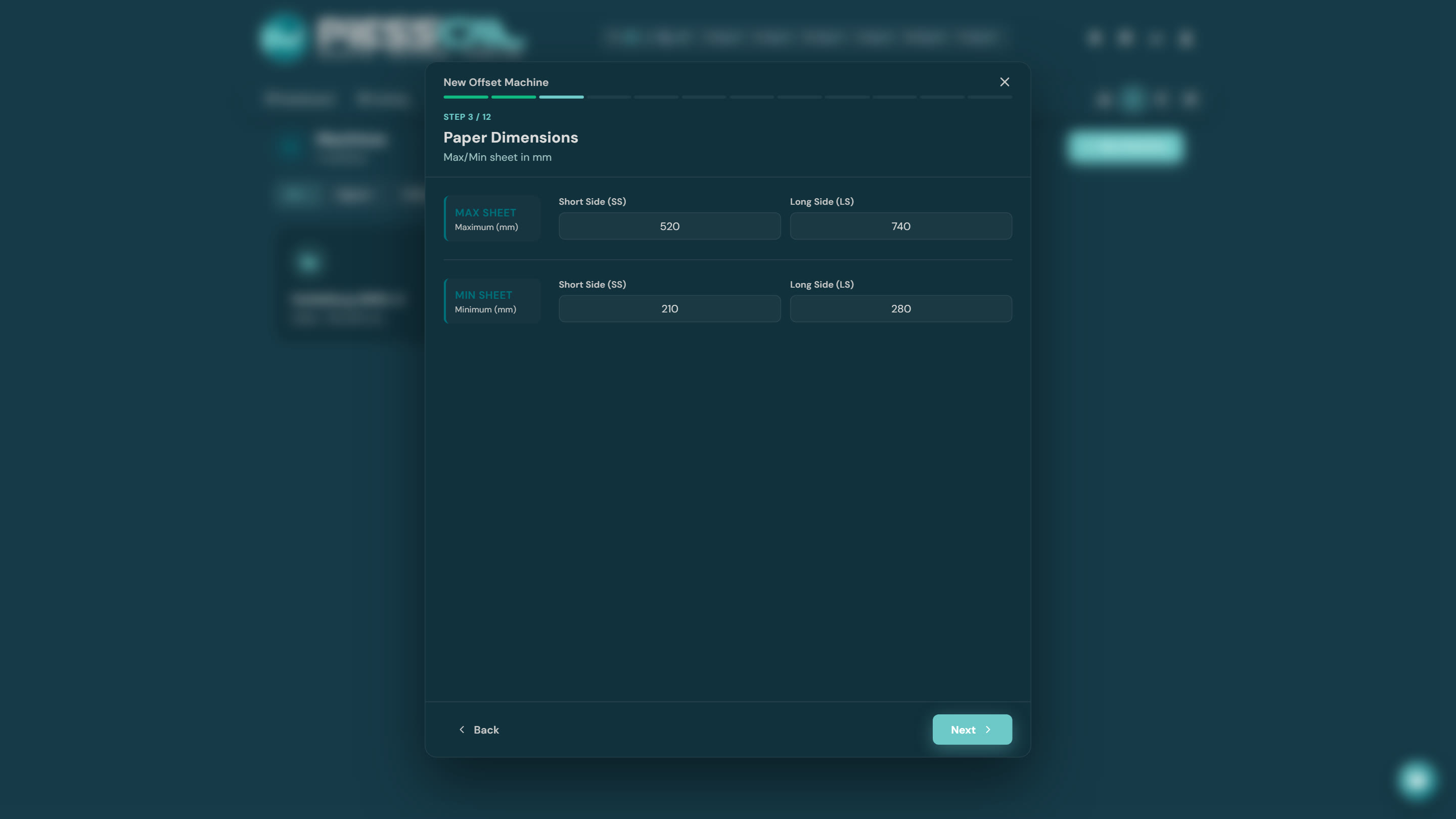
Maximum and minimum sheet (e.g. 520×740, 700×1000), plus the common sheets you actually run, for quick picking in the calculator.
Step 4 — Margins
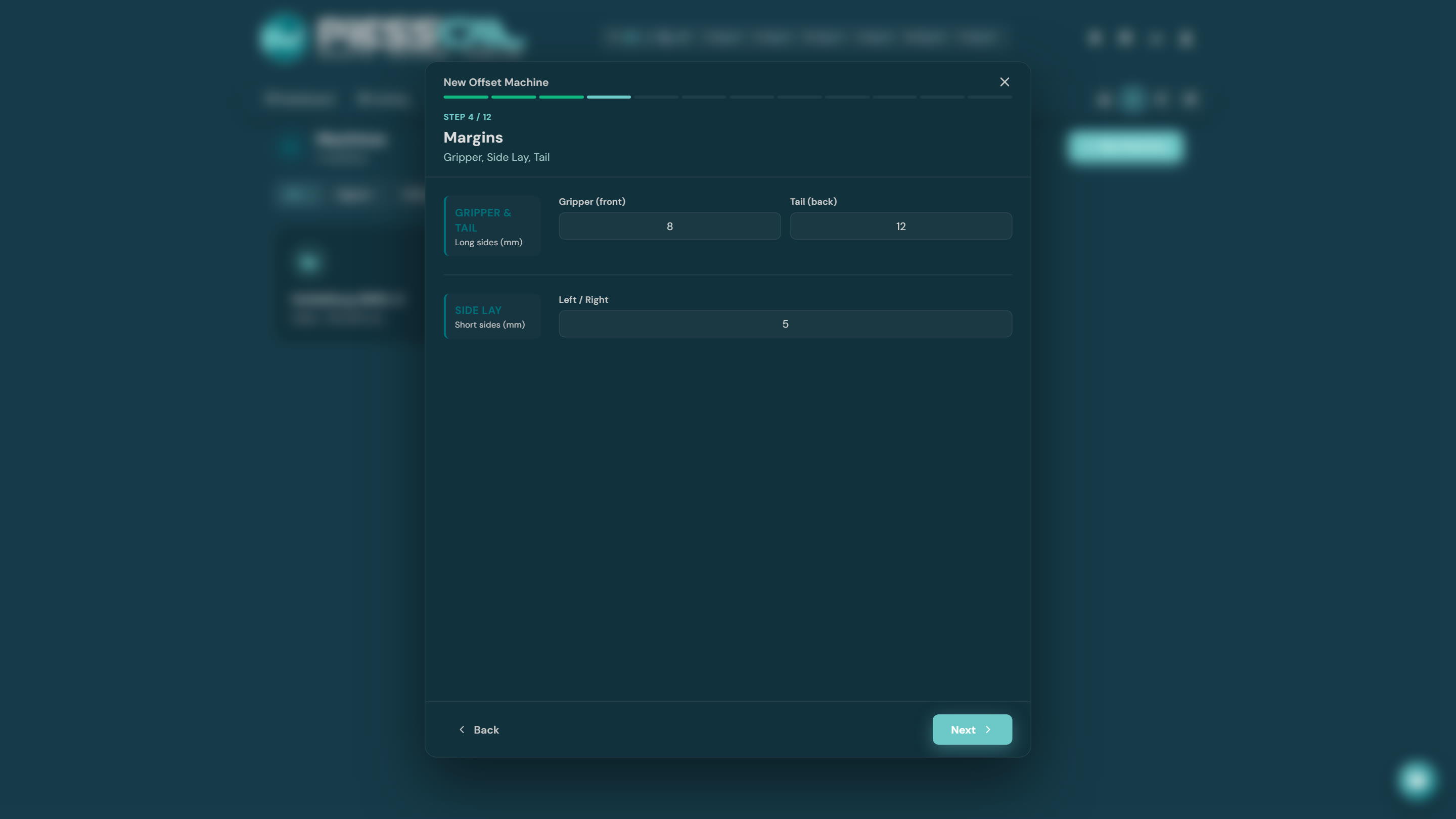
Worth extra attention, because it defines the usable imposition area:
- Gripper — the margin on the edge the press grabs the sheet by.
- Tail — the opposite edge.
- Side lay — the side guide.
PressCal subtracts these from the printable area in every imposition automatically — no more "it didn't fit after all" at the press.
Step 5 — Paper thickness
The minimum/maximum grammage (or microns) the machine can run.
Step 6 — Machine configuration
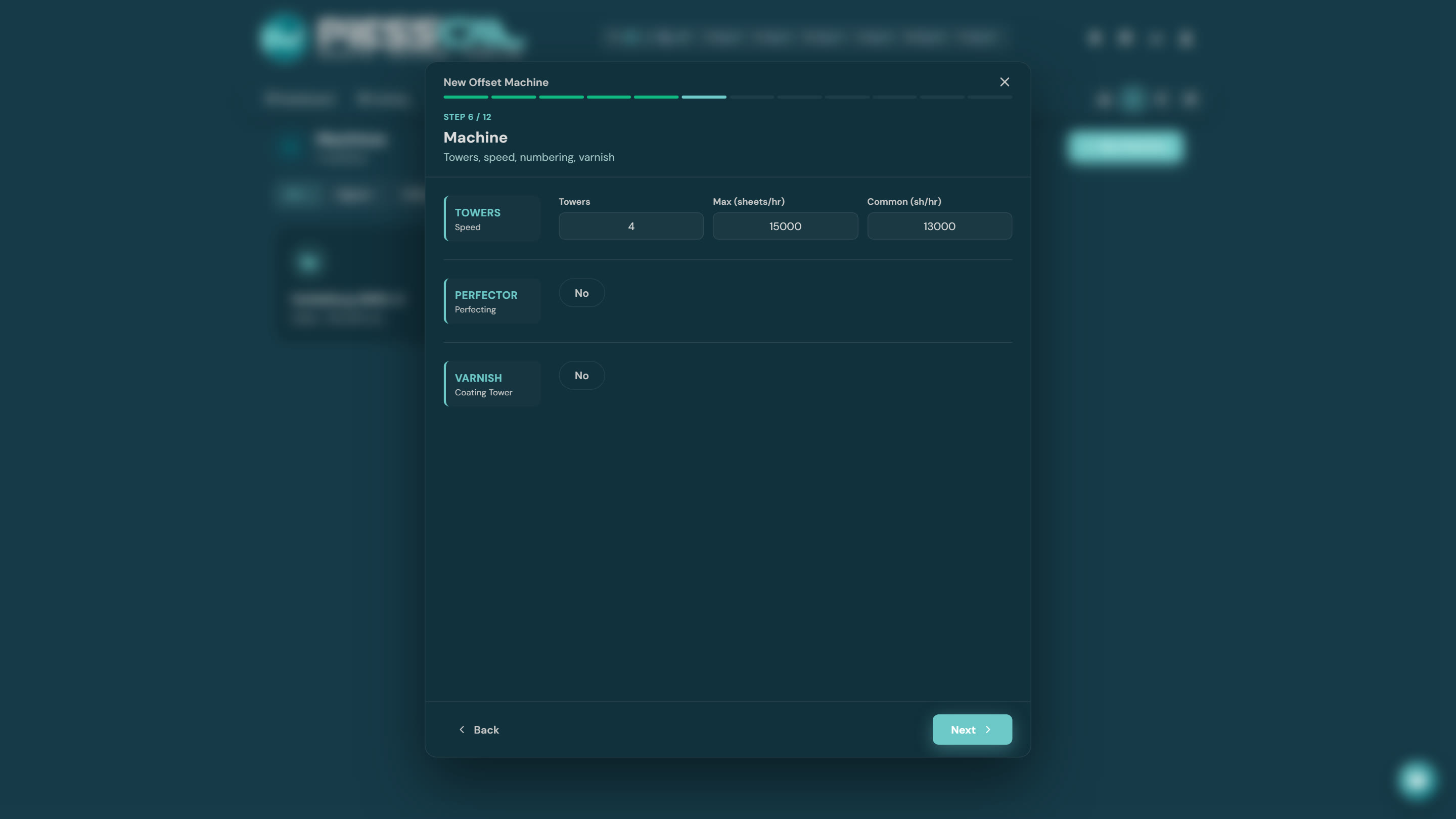
Color towers (2-color, 4-color, 5-color...), maximum and realistic speed in sheets per hour, and the extras: a perfector (turns the sheet for two-sided printing in one pass) and a varnish/coating tower.
Step 7 — Production
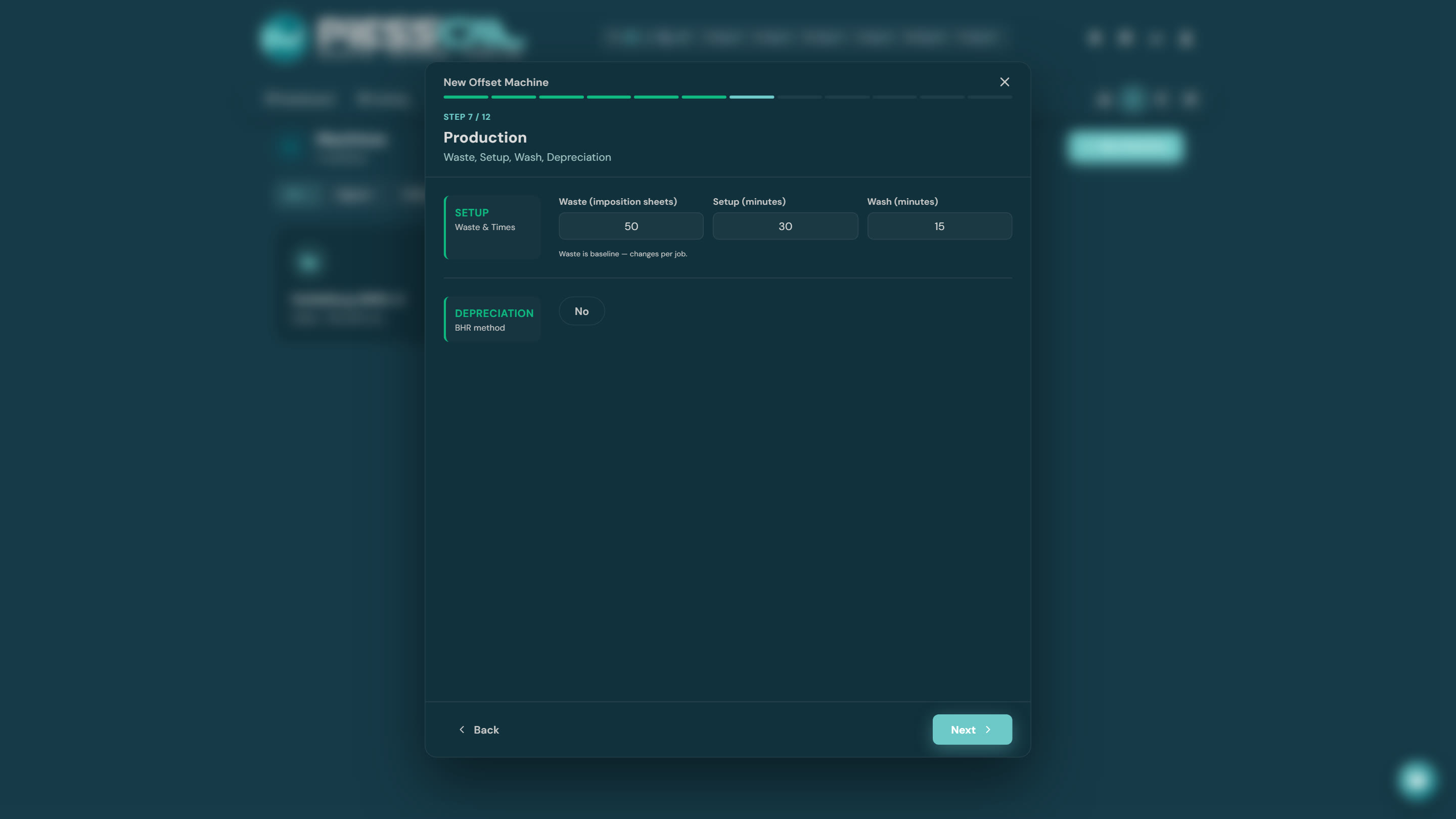
The time and waste costs:
- Waste — makeready sheets per job. On offset this is a serious number (often ~50 sheets) and hits small runs hard — use a realistic value.
- Setup — makeready time (plates, color balancing) and wash time.
- Labour cost per hour, energy, and optionally depreciation.
Step 8 — Machine consumables
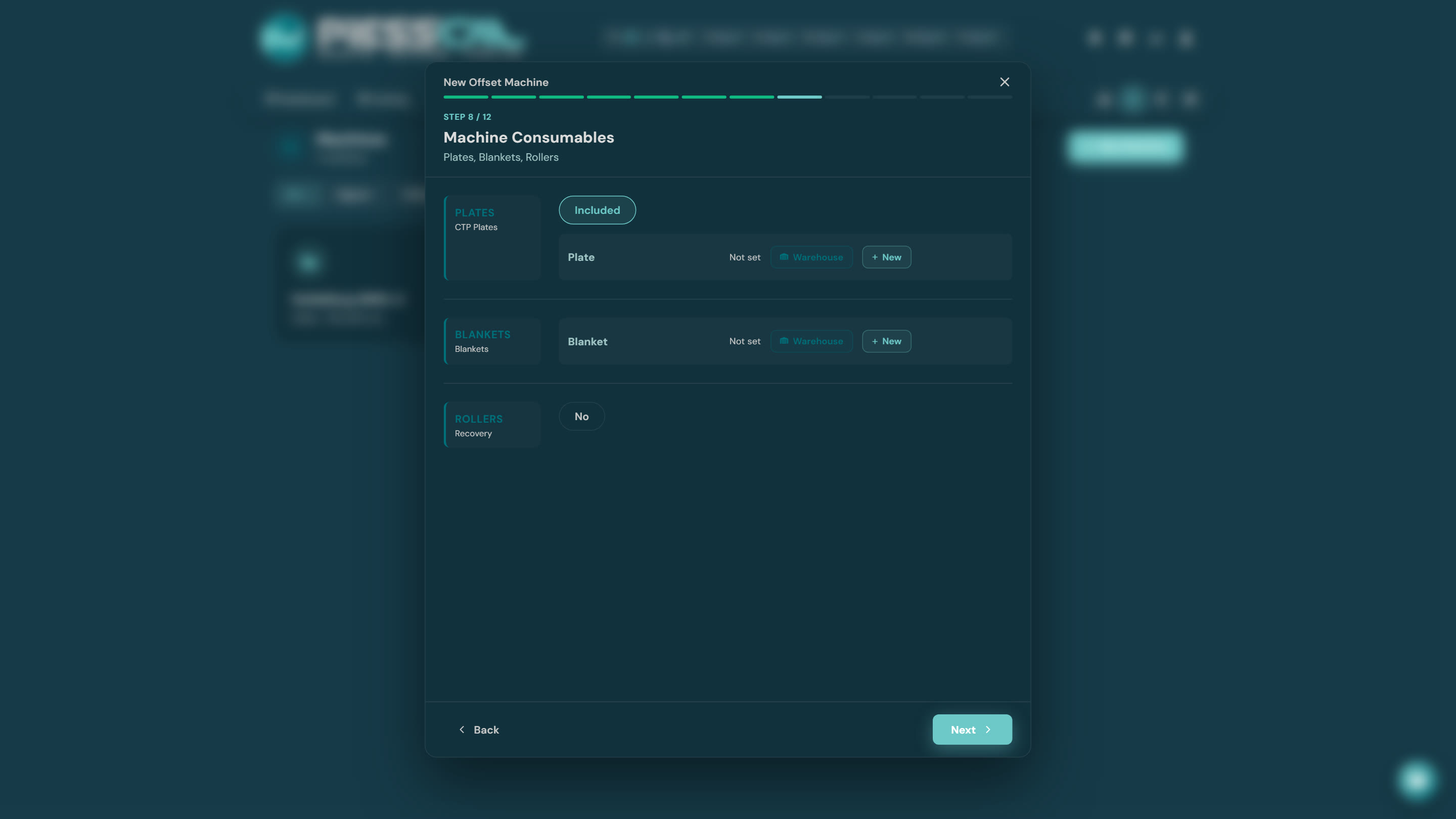
Cost per plate (one is charged per color per job), blankets (cost and life in sheets), rollers.
Step 9 — Inks & varnish
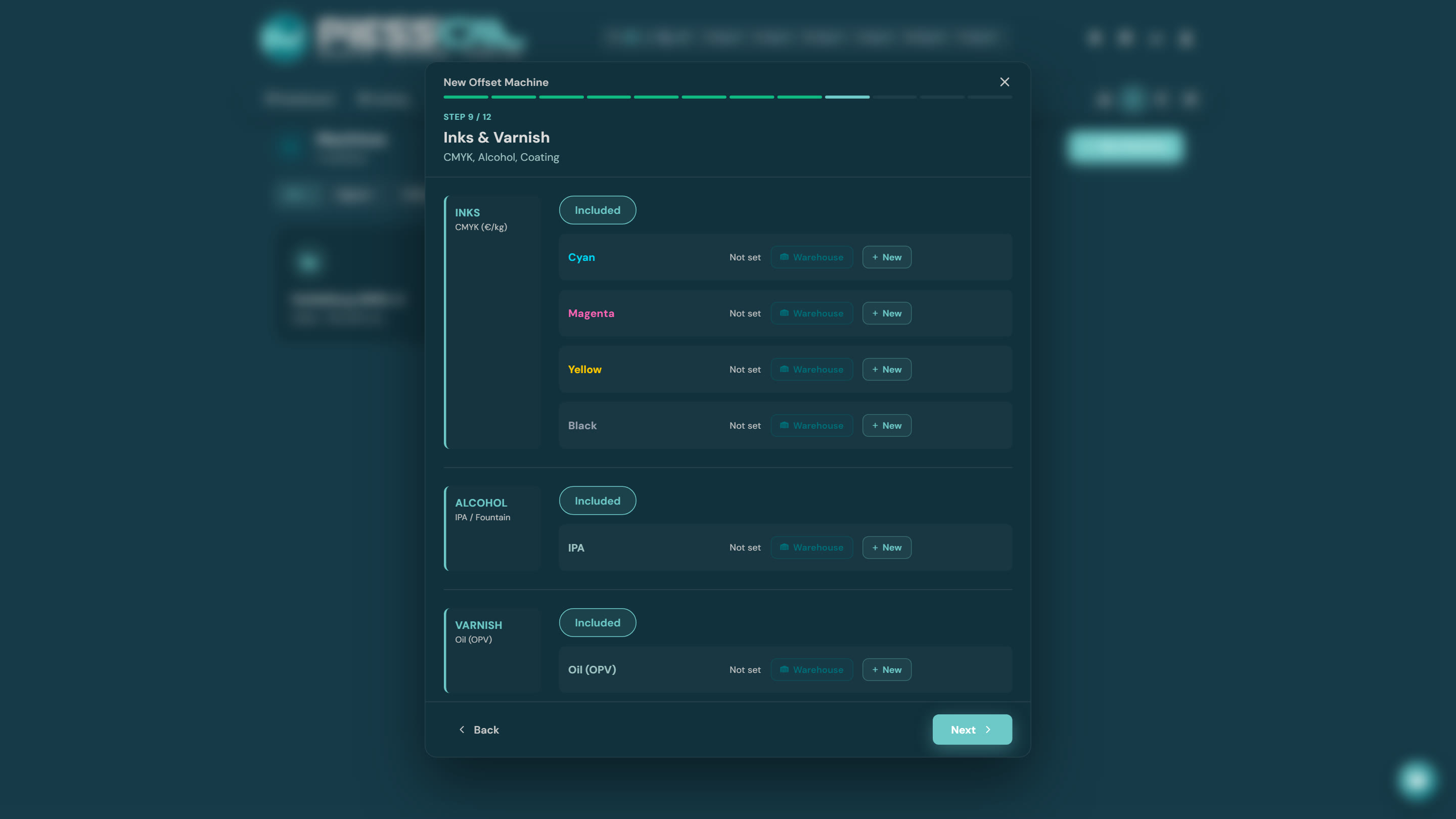
Each ink (C, M, Y, K) links to a consumable from your Inventory — price per kilo — along with alcohol (IPA) and varnish (OPV). Consumption (g/m²) combines with the ink coverage you declare per job: a solid flood costs more than sparse text — just like in real life.
Step 10 — Cleaning chemicals
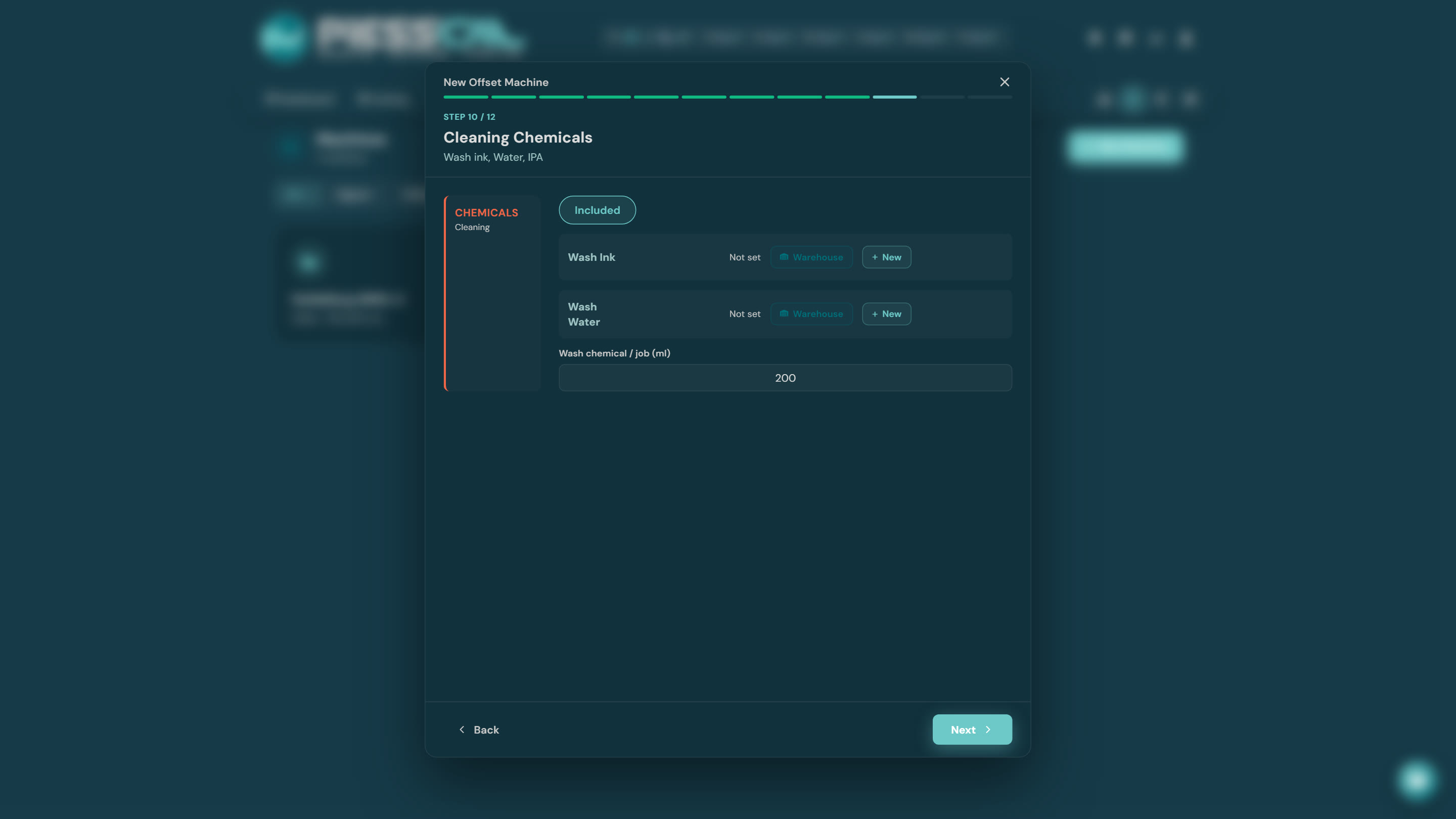
Ink wash, water wash, fountain solution — with inventory prices and consumption per wash/hour.
Steps 11-12 — Maintenance & Technicians
Service counter and log, technician contacts and manual links — same as on digital.
What PressCal calculates afterwards
In every offset costing, the cost builds up from: plates + setup time + run time (quantity ÷ speed) + ink × coverage + blanket wear + washing + paper (waste included). The calculator's Debug mode shows every line of it.
It also settles the eternal "digital or offset?" question — cost the same job on both machines in two clicks and see where the scale tips for that particular run.