
Liquid ink — HP Indigo & Riso
Indigos and inkjets (Riso ComColor) don't run on toner — and PressCal adapts the whole wizard and cost sheet around that.
In the "Ink Type" step, pick Liquid Ink
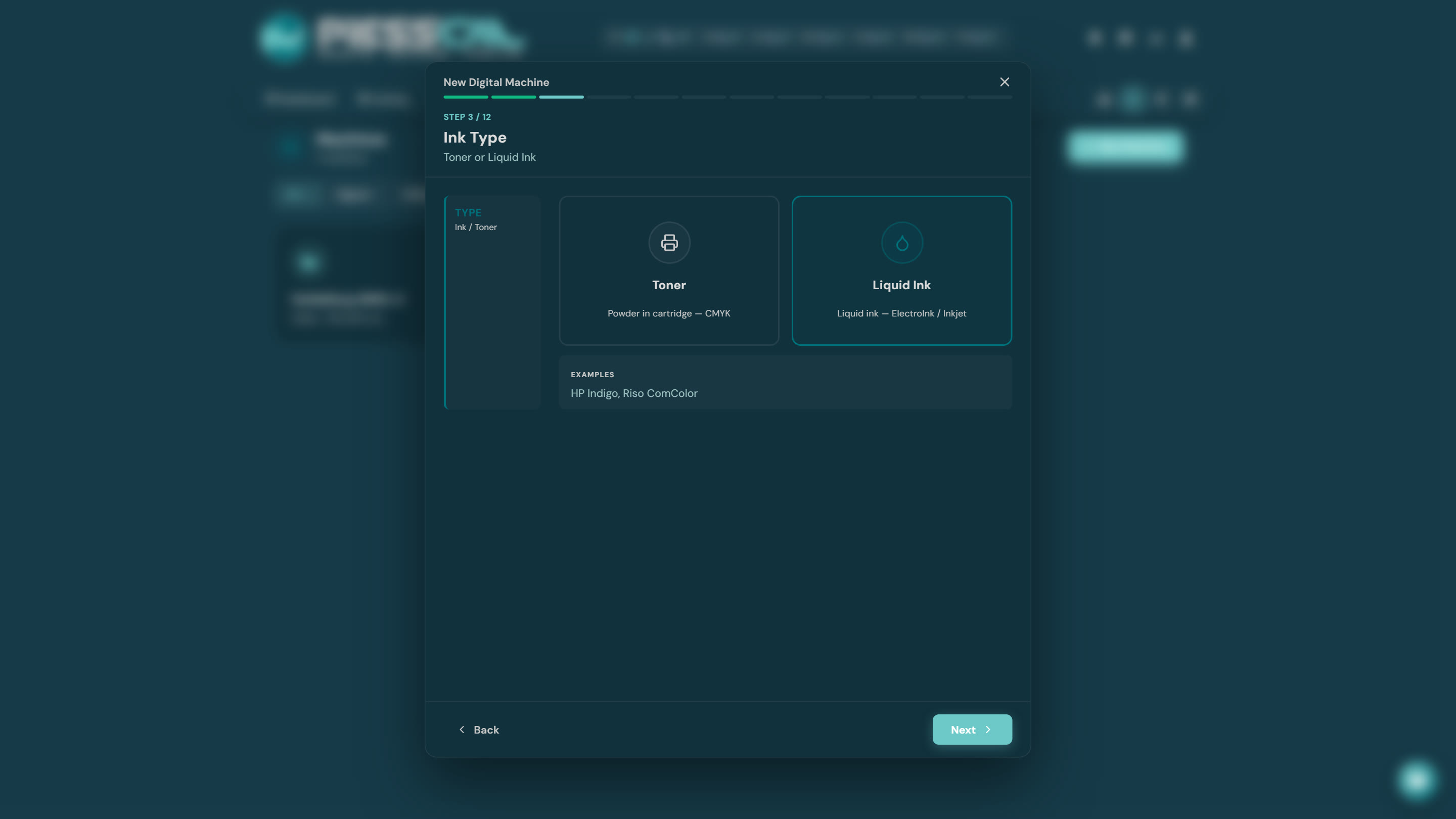
From here on, wherever the wizard talked about toner, drums and developer, it now talks about ink cans, blanket (BID) and PIP — the actual Indigo terms.
The cost models, ink edition
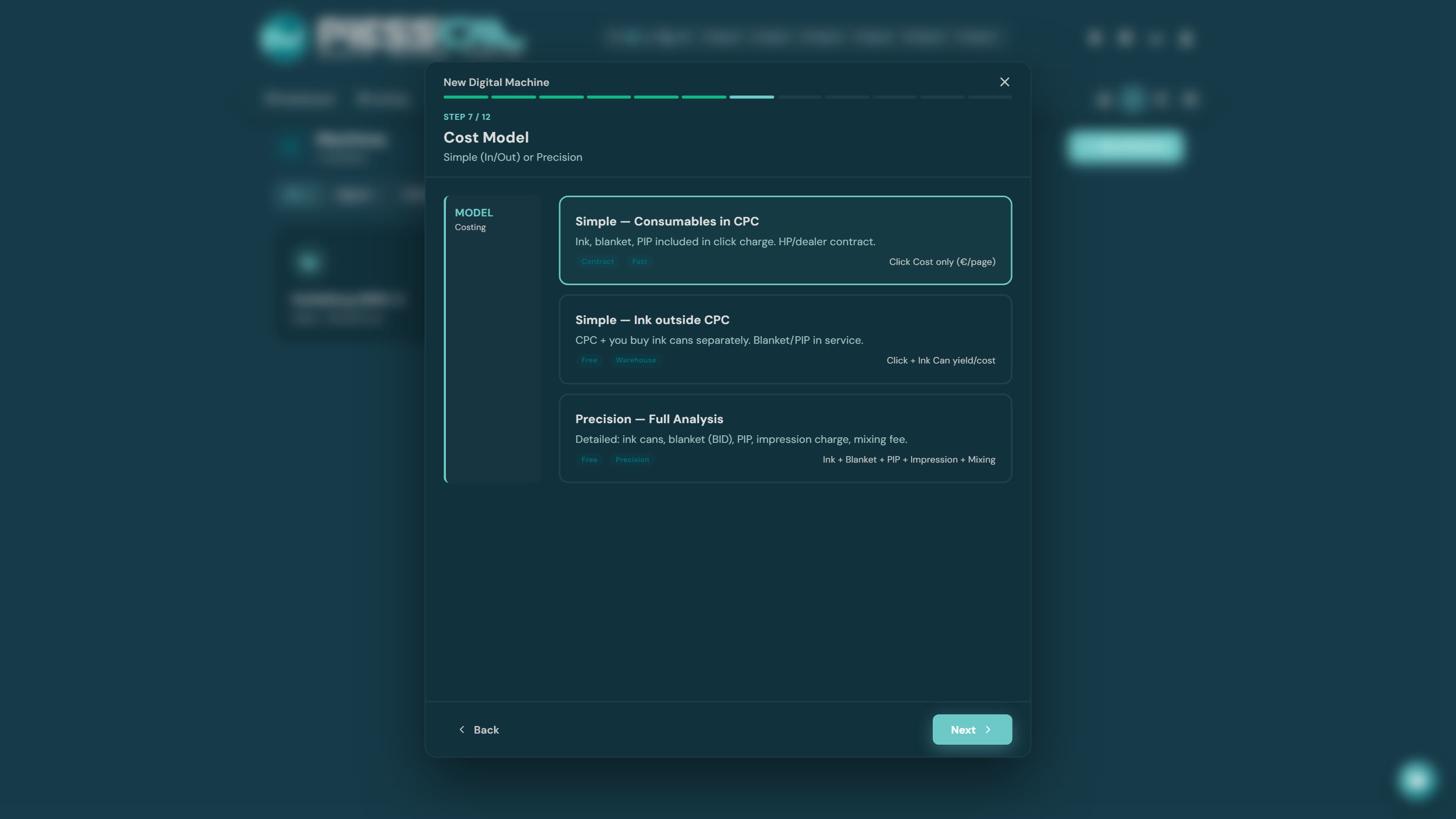
- Simple — Consumables in CPC: ink, blanket and PIP inside the HP/dealer click contract. You only enter click prices.
- Simple — Ink outside CPC: click plus ink cans you buy separately — PressCal derives cost per page from each can's yield.
- Precision — Full Analysis: ink cans, blanket (BID), PIP, impression charge, mixing fee — the full breakdown for those who want cost to the tenth of a cent.
Cost per side
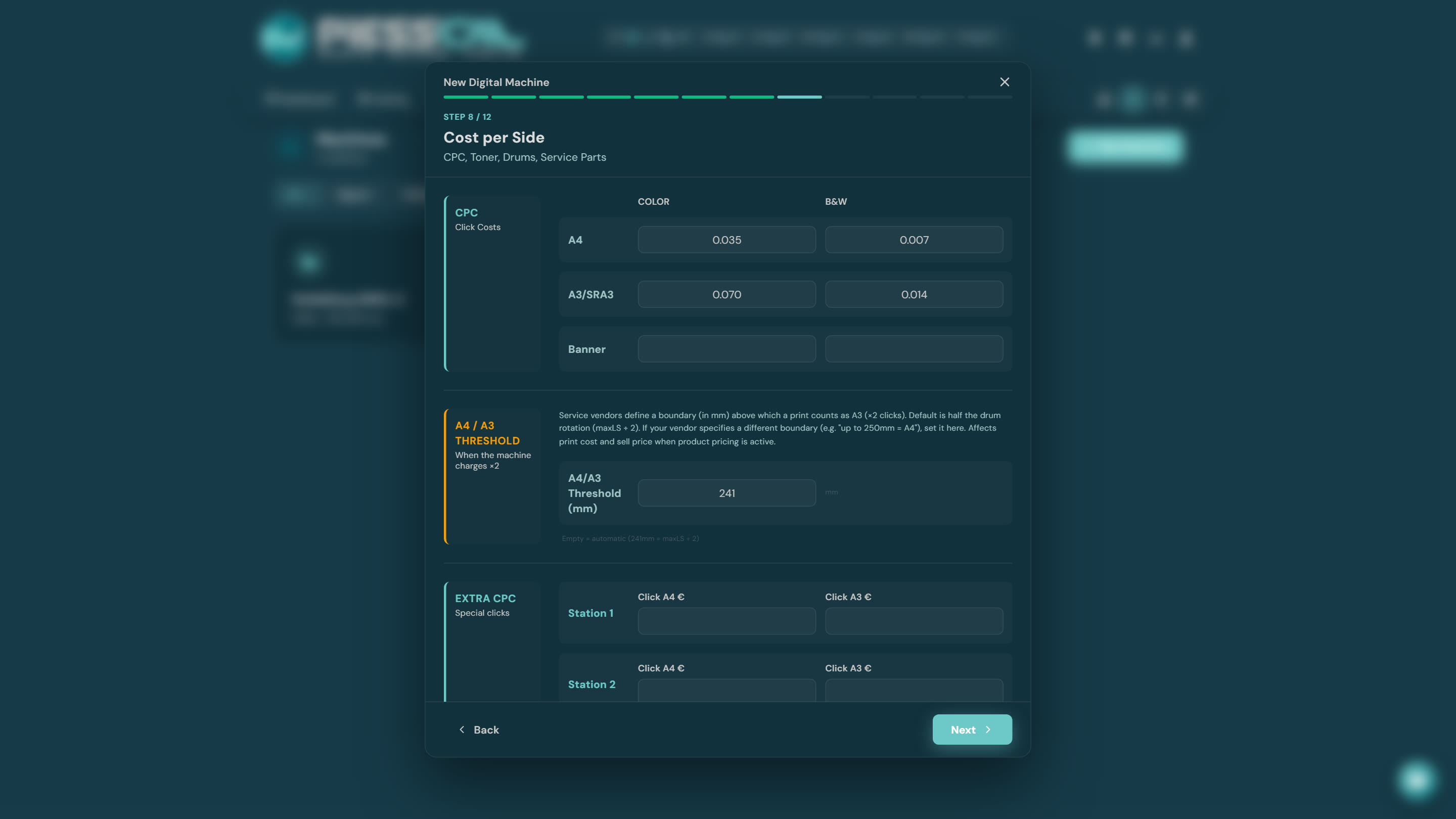
Same logic as toner — A4/A3 click prices, the A4/A3 threshold, duplex — and if your Indigo carries extra BIDs for White/Silver, the Extra CPC section appears per station too (see the "Special colors" guide).
A note on the A4/A3 threshold: on an Indigo with a 320×460+ sheet the automatic threshold comes out different from laser machines — PressCal derives it from the machine sheet, but if your contract defines another boundary, just override it.