
Connecting Gmail
Jobs don't start in the calculator. They start with an email. That's why PressCal has its own mail client: so you never have to jump to another tab, copy a request and retype it into a quote.
How to connect
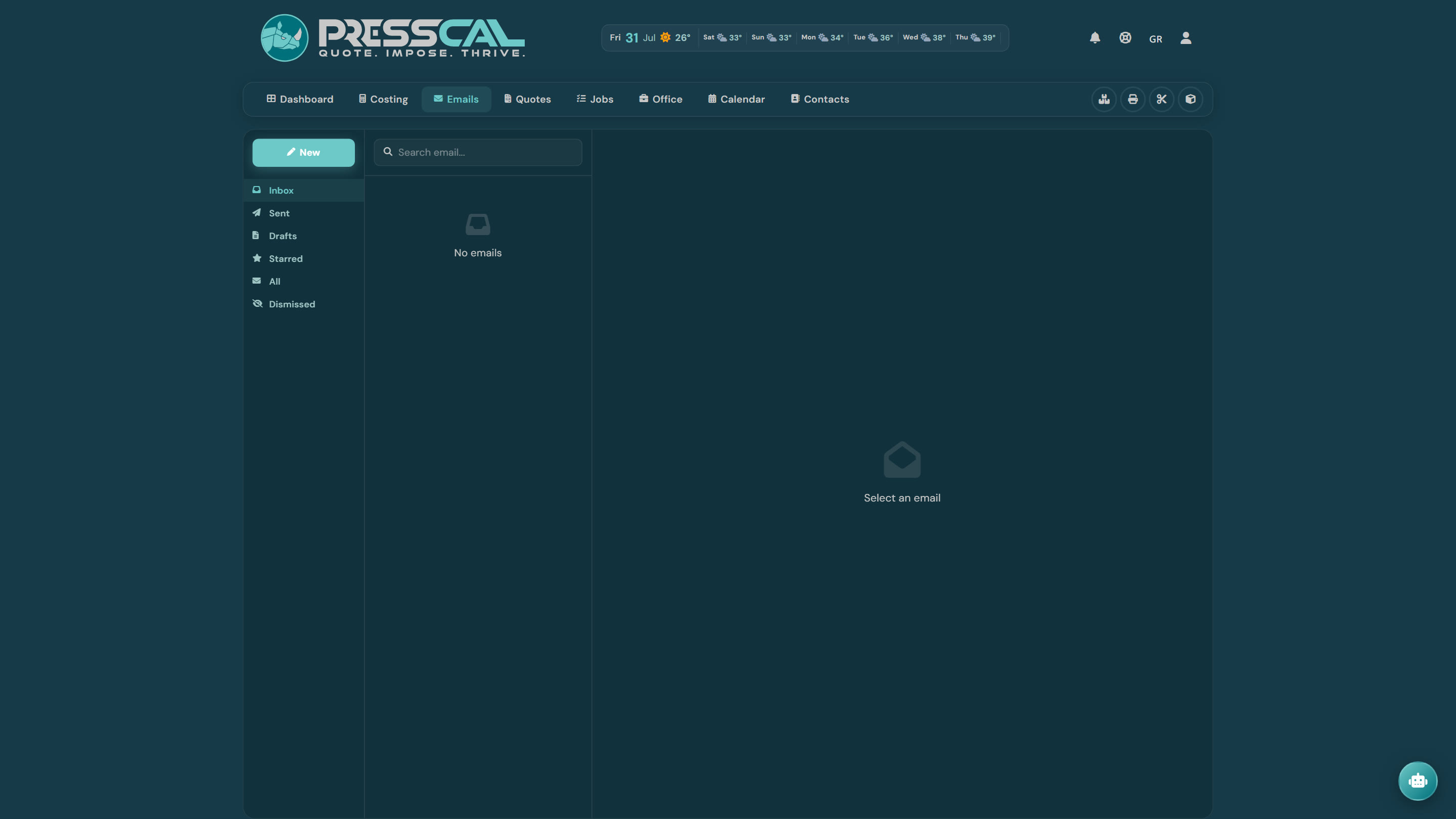
Open the Email page. If you haven't connected yet, you'll see "Gmail isn't connected" and the "Connect Gmail" button. Hit it, pick a Google account and approve access. Done — there's no second step and you type no password anywhere.
What it asks for, and why
Google will show you exactly what PressCal is requesting:
- Read and manage messages — so you can see your inbox inside the app, mark messages read, star them and download attachments.
- Send email — so quotes, paper orders and courier emails go out from your own address.
- Read contacts — so you can import your contacts from Google instead of typing them.
No access to Drive, calendar or anything else is requested.
One account per user
The connection is personal, not company-wide. If the shop has three users, each connects their own Gmail and sees their own inbox. When you send a quote it leaves from your account — the customer sees the person they're talking to, and replies come back to you.
In practice: if a colleague can't see their email, nothing is broken — either they haven't hit "Connect Gmail" on their own account, or they aren't an admin.
⚠️ The Email page is admin-only. The "printer" and "viewer" roles don't see it at all — deliberately: customer correspondence isn't for the whole shop floor.
The folders
On the left you have Inbox, Sent, Drafts, Starred, All and Dismissed.
"Dismissed" is ours; it doesn't exist in Gmail. When a message isn't your business (a newsletter, an electricity bill), you dismiss it and it leaves your list without touching your Gmail — which is why the button reads "Delete from app (stays in Gmail)".
🔎 Lost an email? Look in Dismissed first. It is by far the most common explanation. "Restore to inbox" brings it back.
What the connection unlocks elsewhere in PressCal
It isn't just the Email page. The same connected account sends:
- quotes to customers, with the approval button
- paper orders to your supplier
- shipping emails to the courier
- invitations to new users on your team
Without a connection those buttons return a clean "no Gmail" message — they don't blow up.
If you ever need to reconnect
A changed password or a revoked permission in your Google account will cut the link. You just hit connect again — nothing is lost on the PressCal side, because emails aren't stored with us: they're read live from Gmail every time.
💡 If the Google sign-in keeps failing with an error, check your computer's clock and date. A wrong clock breaks the exchange with Google, and the error message doesn't say so plainly.